WordPress vs. Custom-Built: Which Is Actually Right for Your Business?
Not a "WordPress is bad" or "custom is always better" argument — a real look at what each approach is actually suited for.
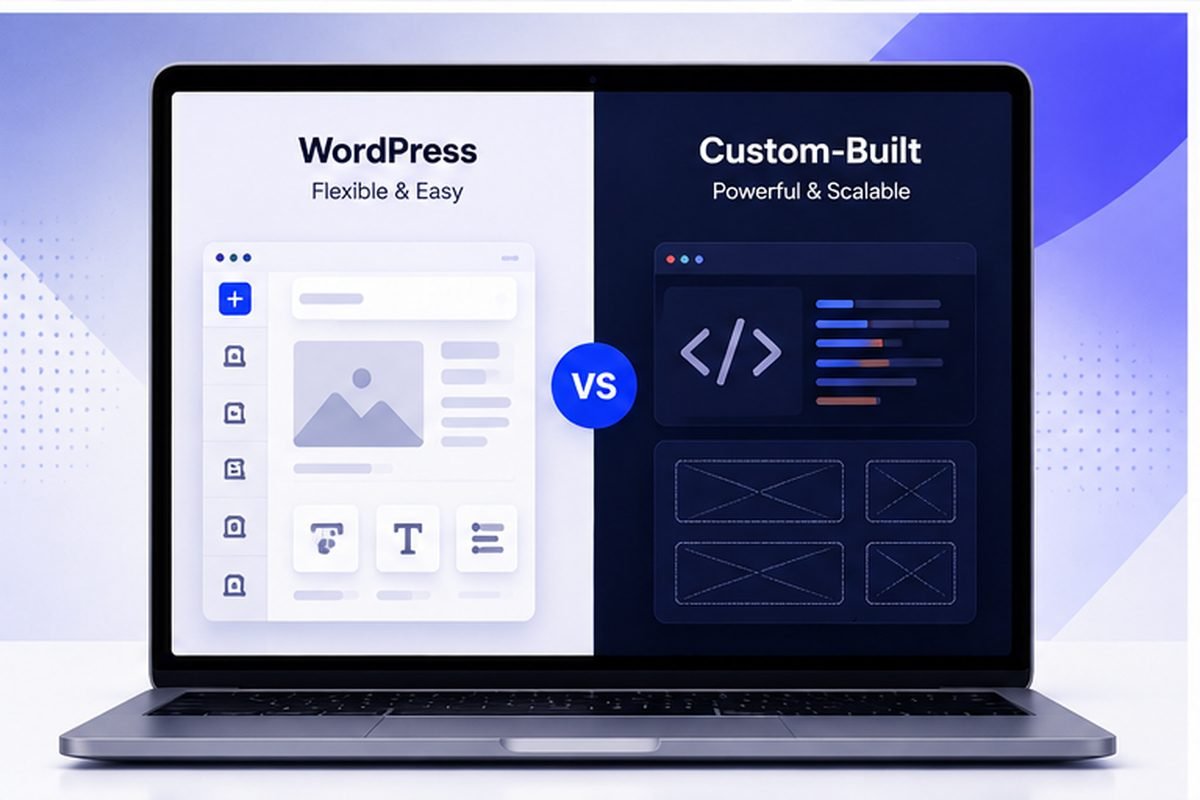
This isn't "WordPress is outdated" and it isn't "custom-built always wins." Both are real, legitimate options. The right one depends on what the business actually needs, not which name sounds more impressive at a dinner party.
WordPress suits a business that wants to edit its own content and accept some ongoing maintenance; a custom build suits one that needs speed, a specific workflow or fewer moving parts. The decision is about who maintains the site afterwards and what it must do, not about which is technically better.
What WordPress Is Genuinely Good At
WordPress runs a huge share of the web, and not by accident. It's well understood, has a plugin for nearly anything a business could need, and a non-technical owner can usually update their own text and images without calling a developer every time something small needs changing. If the site's needs are fairly standard — content pages, a blog, basic contact forms — WordPress is often just the sensible, cheaper call.
Where WordPress Starts to Show Its Limits
The same plugin ecosystem that makes WordPress flexible is where most of its real problems come from. Plugins conflict with each other. They need constant security patching. They pile up and slow the site down one install at a time. A site built by stacking plugin after plugin tends to get harder to maintain than one built around what it actually needs to do from day one.
“The right choice depends on what the business actually needs. Not which option sounds more impressive.”
What Custom-Built Actually Buys You
A custom build is written for exactly what the business needs — nothing extra running in the background, no theme dictating what the design is allowed to look like, generally faster load times since there's no unused framework code sitting on top. That matters a lot more for a business with a genuinely unusual need (a specific booking flow, something industry-specific) than for one with standard content needs a template already handles fine.
How to Actually Decide
Mostly informational — pages, a contact form, maybe a blog? WordPress is a reasonable, often cheaper place to start. Something more specific to how the business actually runs — a particular booking flow, functionality a plugin-heavy WordPress site struggles with? Custom tends to hold up better long-term, even if the upfront cost is a bit more. WordPress development and custom development are both real options here, not a default answer dressed up as a recommendation.
A Middle Path Many Businesses Don't Realize Exists
It's not all-or-nothing. A custom-built site can still give an owner an easy way to update text and images themselves, without the plugin-stacking that causes most of WordPress's long-term headaches. The real distinction isn't "WordPress or not." It's whether the site is built for what the business actually needs, or assembled from generic parts and hoping they fit well enough.
Key Takeaways
- WordPress is a genuinely sensible, cost-effective choice for standard content-driven sites.
- Plugin conflicts and gradual slowdowns are WordPress's real, common long-term maintenance issue.
- A custom build suits businesses with distinctive functionality needs a plugin-heavy site struggles to deliver.
- It doesn't have to be all-or-nothing — a custom site can still be easy for a business owner to update themselves.
Quick Answers
Not at all. For standard content-driven sites it's a genuinely sensible, cost-effective option. The right call depends on what the business actually needs, not a blanket rule.
Usually somewhat more upfront, though the gap is smaller than most assume — and a custom build can end up cheaper to maintain long-term if it avoids the plugin-conflict slowdowns a heavily-extended WordPress site tends to accumulate.
Yes. Plenty of businesses start on WordPress and move to custom once their needs outgrow what plugins can comfortably handle, rather than picking the "wrong" option on day one.
Ready to Talk About Your Own Website?
Straight answers, no pressure — tell us what you're building.
More From the Blog
What a Real Estate Website Costs — and Why the Listings Often Cannot Be Found
Quotes run from $200 to $25,000, and the line item that breaks most of them is IDX. Worse, the way IDX is usually installed hides your listing pages from Google entirely.
Read Article
What a Law Firm Website Actually Costs — and Who Ends Up Owning It
Quotes run from $1,000 to $100,000 for what sounds like the same thing. The number matters less than a question most firms never ask until they try to leave.
Read Article
A Year of the European Accessibility Act: What Actually Happened
Enforcement began in June 2025. A year later the picture is genuinely mixed — real court action, real investigations, and, depending on which source you trust, possibly not a single fine.
Read Article